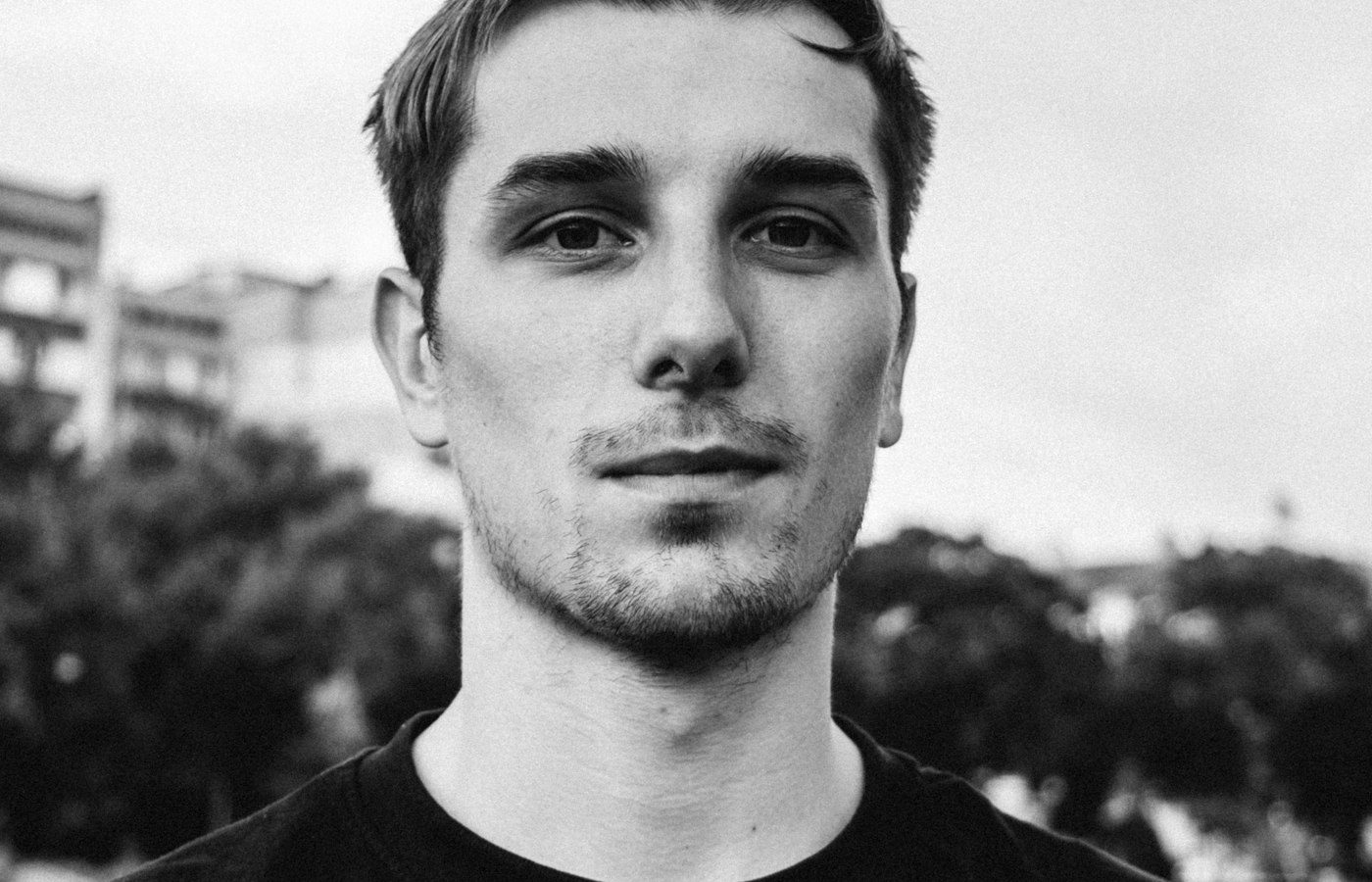
You do not need a photographer to get a clean headshot for LinkedIn or a resume. With a clear selfie and a well-written prompt, an AI image tool can restyle your photo with better light, clothing and background.
What you need
- A recent, front-facing photo with your face clearly visible
- An AI tool that accepts photo uploads, such as ChatGPT or Gemini
- A headshot prompt — our professional headshot prompts are a good start
Step 1: Take a good starting photo
Stand facing a window so daylight falls evenly on your face. Hold the camera at eye level and keep your expression relaxed. Avoid sunglasses, hats and heavy filters, as the AI works best with clear detail.
Step 2: Choose and copy a prompt
Pick a prompt that matches where the headshot will be used. A bright office background suits LinkedIn; a plain gray background suits a company website. Copy the full prompt.
Step 3: Upload and generate
Open your AI tool, upload your photo and paste the prompt. Send it and wait for the result.
Step 4: Refine one detail at a time
If something is off, change a single instruction and run it again. For example, ask for a different blazer color or a softer background. Changing several things at once makes it harder to see what helped.
Check before you use it
Look closely at the eyes, teeth, ears and hands, where AI images most often go wrong. A headshot should still look like you — if it does not, start again from a clearer photo.