
Golden Hour
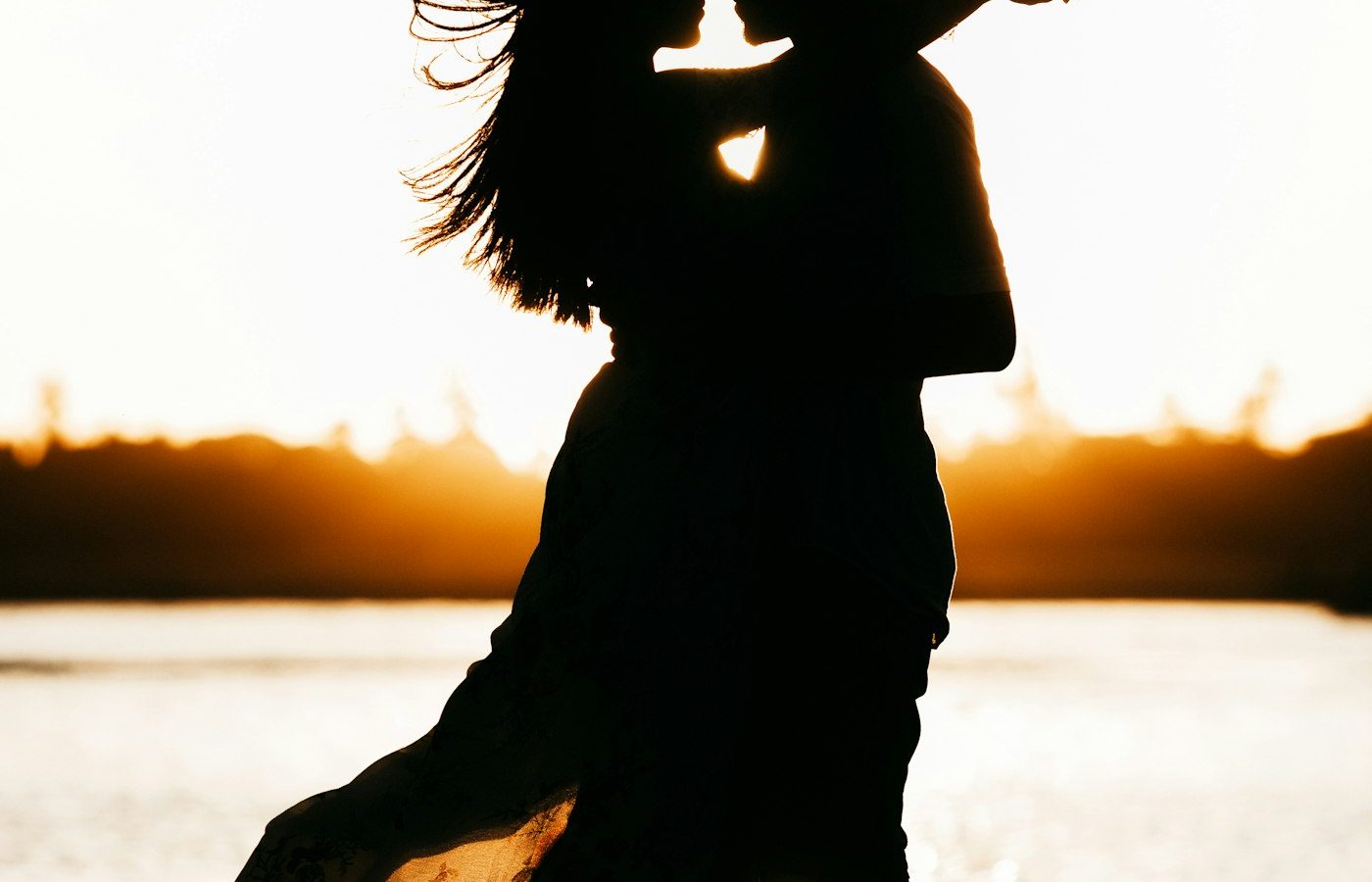
Backlit Beach Sunset Portrait
A relaxed beach portrait at sunset, with warm rim light and a soft, hazy sea behind you.
Free, copy-ready AI photo prompts and step-by-step tutorials for ChatGPT, Gemini, and other AI image generators. Choose a style, copy the prompt, and upload your photo.
Use the prompts with AI image tools such as
Each prompt lists the AI tool it was written for. Select Copy, paste the prompt into the tool, and upload your photo.
A relaxed beach portrait at sunset, with warm rim light and a soft, hazy sea behind you.
A warm portrait in a tall grass field, with low sun lighting your hair from behind.
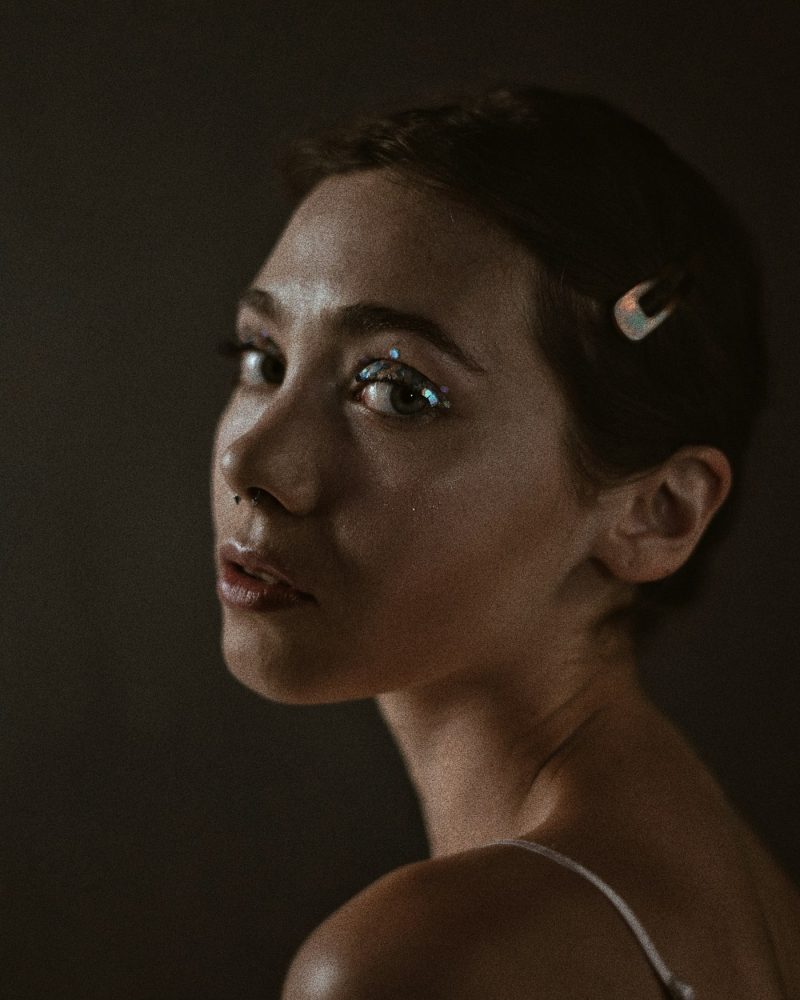
A calm monochrome portrait in soft window light with smooth, gentle gray tones.
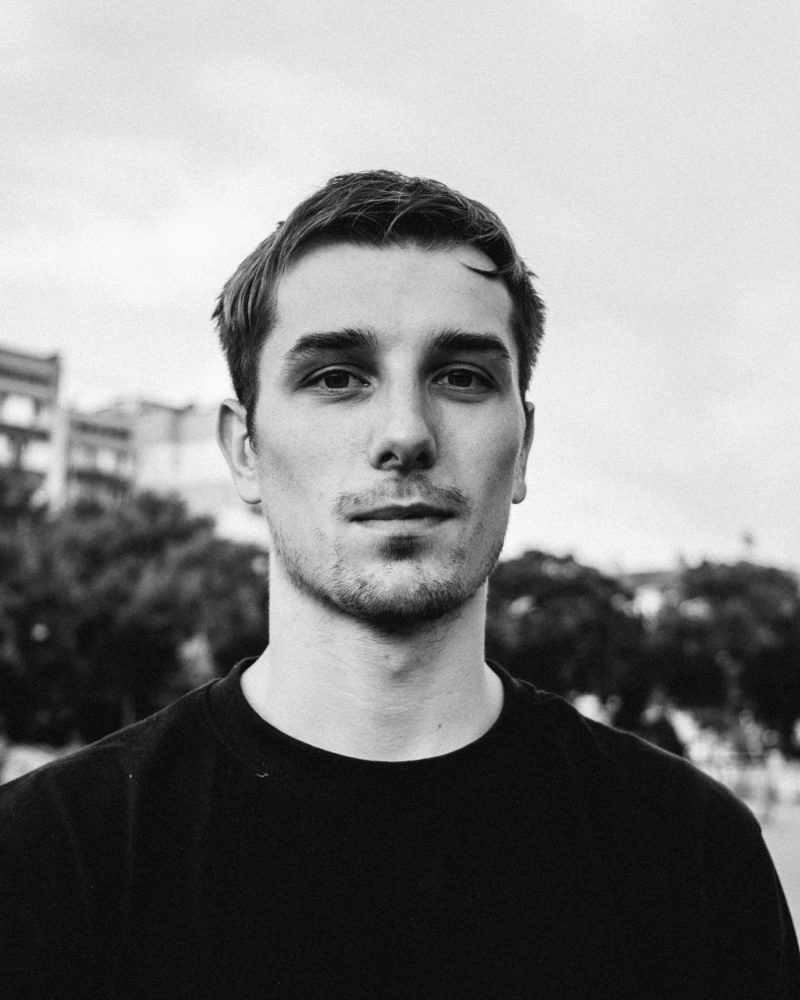
A bold monochrome headshot with deep blacks, crisp highlights, and strong side light.
A nostalgic portrait with the warm, faded colors and grain of 35mm film.
A moody neo-noir portrait on a rainy street, lit by neon signs and wet reflections.
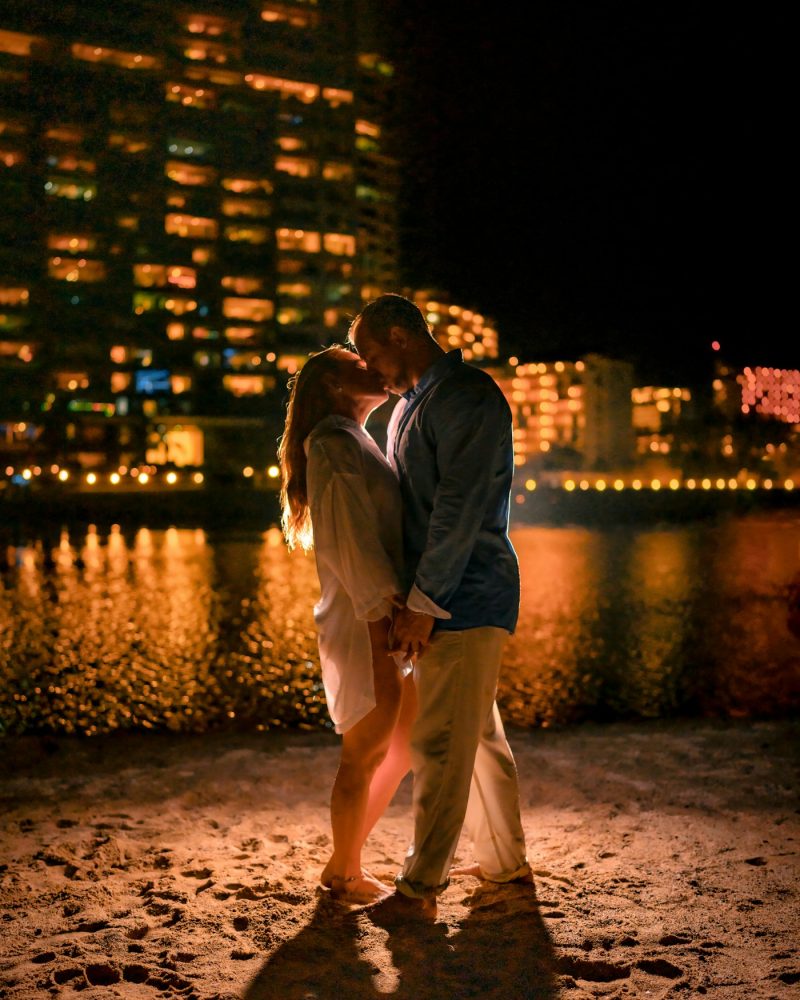
A romantic night portrait on a city street, with glowing bokeh lights behind you both.
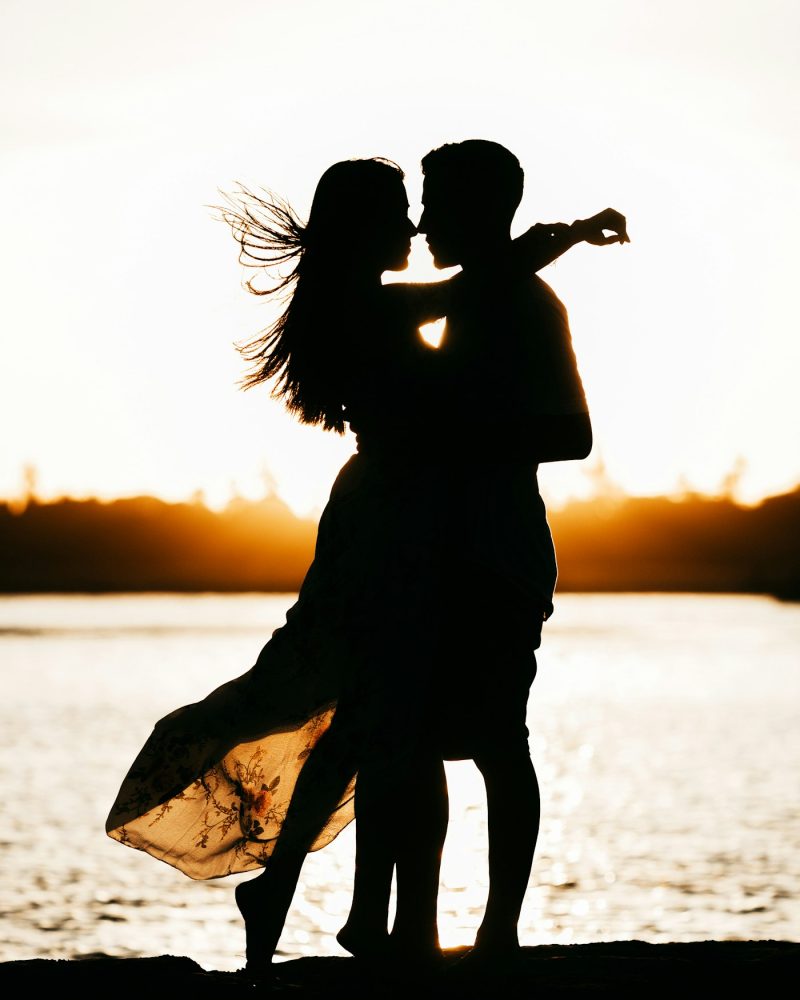
A warm engagement portrait in low evening sun, with soft backlight and a natural, close pose.
Browse the prompt library by category and open the style you want: studio portrait, headshot, couple, cinematic, and more.
One click copies the full prompt. Each prompt lists the AI tool it was written for.
Paste the prompt into the AI tool with your photo. Run it again, or change one detail at a time, until the result matches what you want.
Every prompt in the library names these four attributes. Change one of them and the whole image changes with it.
Soft window light, rim light, low-key side light, or golden hour sun. Lighting sets the mood more than any other detail.
Terms such as "85mm lens at f/2" tell the AI to blur the background and keep the eyes sharp, like a real portrait photo.
A plain studio backdrop, a blurred office, or an outdoor scene. Naming the background stops the AI from guessing.
4:5 for Instagram, 1:1 for profile pictures, and 16:9 for a cinematic frame. The crop decides where the image will fit.
A step-by-step guide to turning an everyday selfie into a clean, professional headshot using an AI image tool and a well-written prompt.
Read tutorialA profile picture is seen small and often. Here is how to make an AI version that is clear, flattering, and still recognizably you.
Read tutorialTwo faces are harder for AI than one. These steps help both people stay recognizable when you restyle a couple photo.
Read tutorialNew to AI image generators? These answers cover the basics. The tutorials explain each step in more detail.
Browse the full prompt library, copy a prompt, and see how your photo changes.