A short prompt such as “make me look professional” leaves the AI to guess. A detailed prompt tells it exactly what to change and what to keep. Most good image prompts cover six parts.
1. Subject
Who or what is in the picture. When editing your own photo, say clearly that the face and features must stay the same.
2. Style
The overall look: studio portrait, cinematic still, black-and-white fine art, watercolor.
3. Lighting
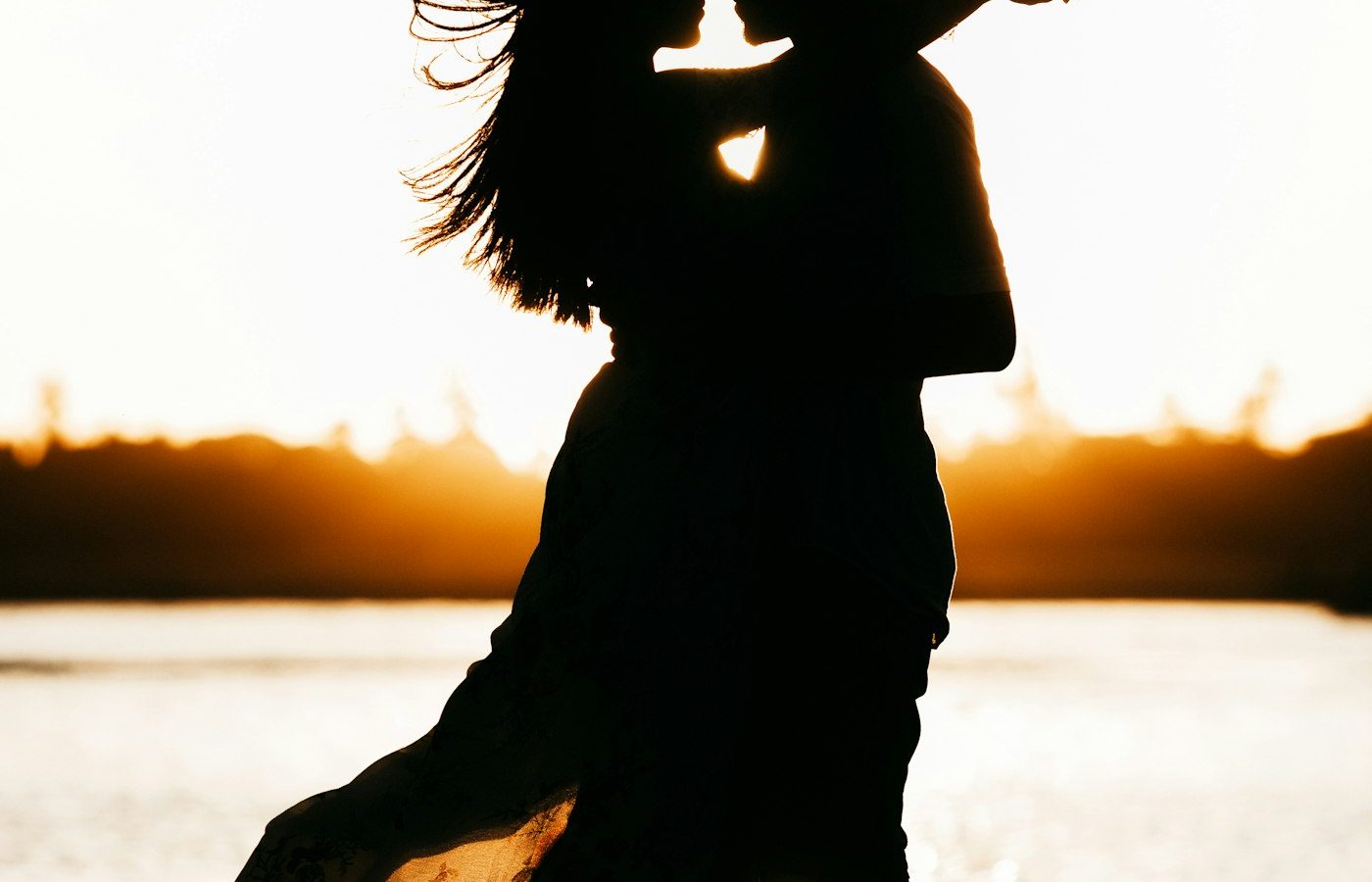
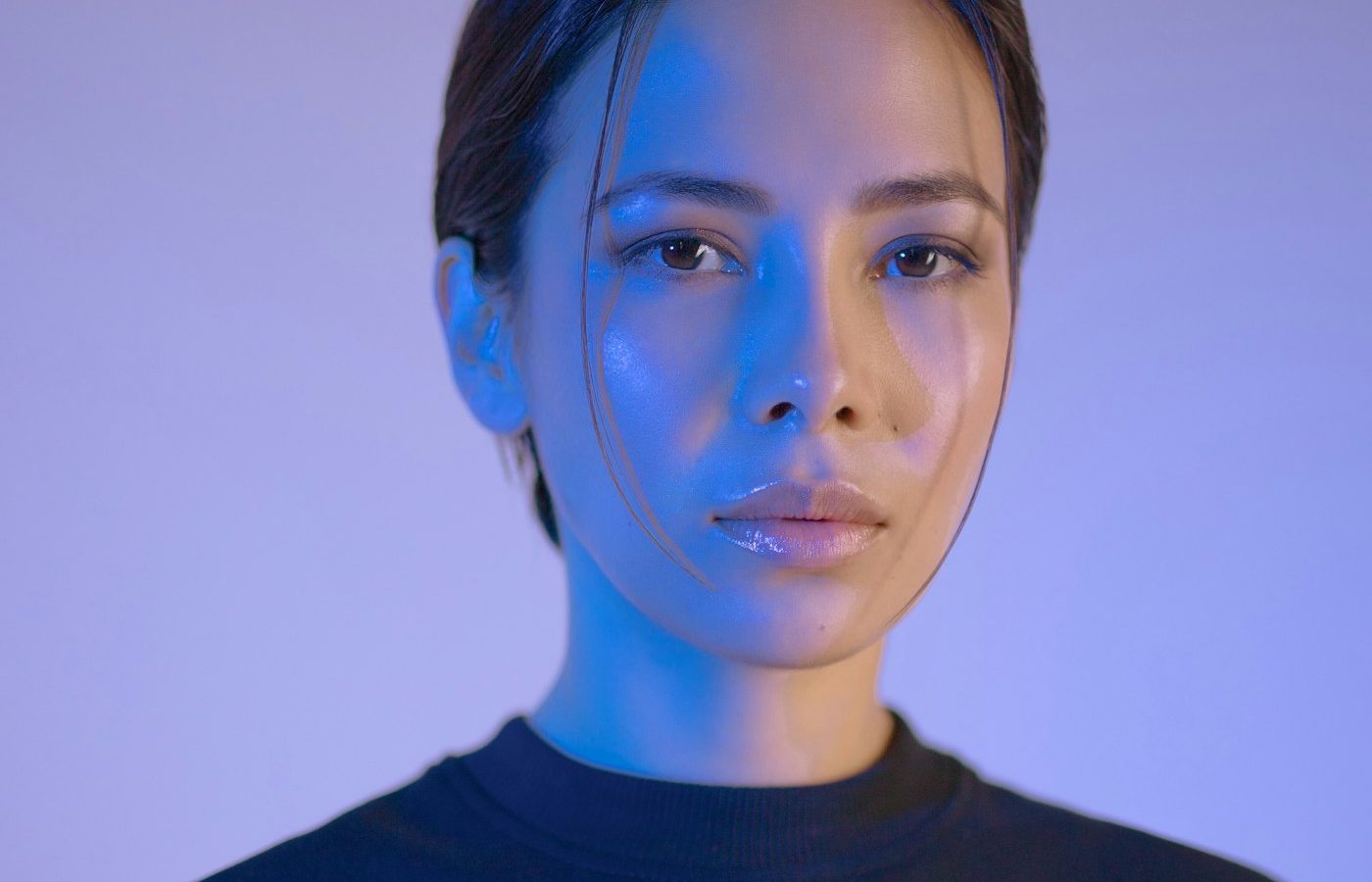
Light changes a portrait more than anything else. Name it: soft window light, rim light, golden hour sun, low-key side light.
4. Camera and lens
Photography terms help the AI match a real-world look. An 85mm lens at f/2 suggests a flattering portrait with a blurred background.
5. Background and setting
Describe what sits behind the subject, and how blurred it should be.
6. Format
Finish with the crop and shape: vertical 4:5 for Instagram, square 1:1 for profile pictures, 16:9 for a cinematic frame.
Putting it together
Using my uploaded photo, create a studio portrait. Keep my face unchanged. Dark gray backdrop, soft key light with a subtle rim light. 85mm lens at f/2, sharp focus on the eyes. Vertical 4:5 crop.
Every prompt in our prompt library follows this structure, so you can copy one and swap out a single part to make it your own.