An Instagram portrait works best when it fits the format, looks consistent with your other posts, and reads clearly on a small phone screen. AI image tools can help with the light, background, and style, but only if the prompt is written for Instagram’s shapes. This guide covers the formats, a method for a consistent look, and prompts you can adapt.
Choose the right format
| Where | Ratio to ask for | Framing |
|---|---|---|
| Profile picture | 1:1 | Head and shoulders, face centered, because it shows as a circle |
| Feed portrait | 4:5 | Head and shoulders or waist up, space above the head |
| Square feed post | 1:1 | Centered subject, even space on all sides |
| Stories and Reels | 9:16 | Subject in the middle, space at the top and bottom for buttons and captions |
Instagram changes how it crops and displays posts from time to time. Check how your profile grid and feed currently show images before you decide on a crop.
Build a consistent look
People recognize an account by its visual style. Choose a small set of rules and apply them to every portrait.
- One lighting style: for example, soft window light or golden hour.
- One color direction: warm, cool, muted, or black and white.
- One background type: plain studio, outdoors, or city.
- One framing: the same crop and distance in most posts.
Write these rules once as a base prompt and reuse it.
Using my uploaded photo, keep my face, hairstyle, and features exactly the same. Soft window light from the left, muted warm color grade, softly blurred background, natural skin texture. Vertical 4:5 crop, head and shoulders.
Prompts for different uses
Profile picture
Using my uploaded photo, create a profile picture. Keep my face and features exactly the same. Soft even front light, plain warm gray background, relaxed natural smile. Head and shoulders, face centered, 1:1 square.
Lifestyle feed post
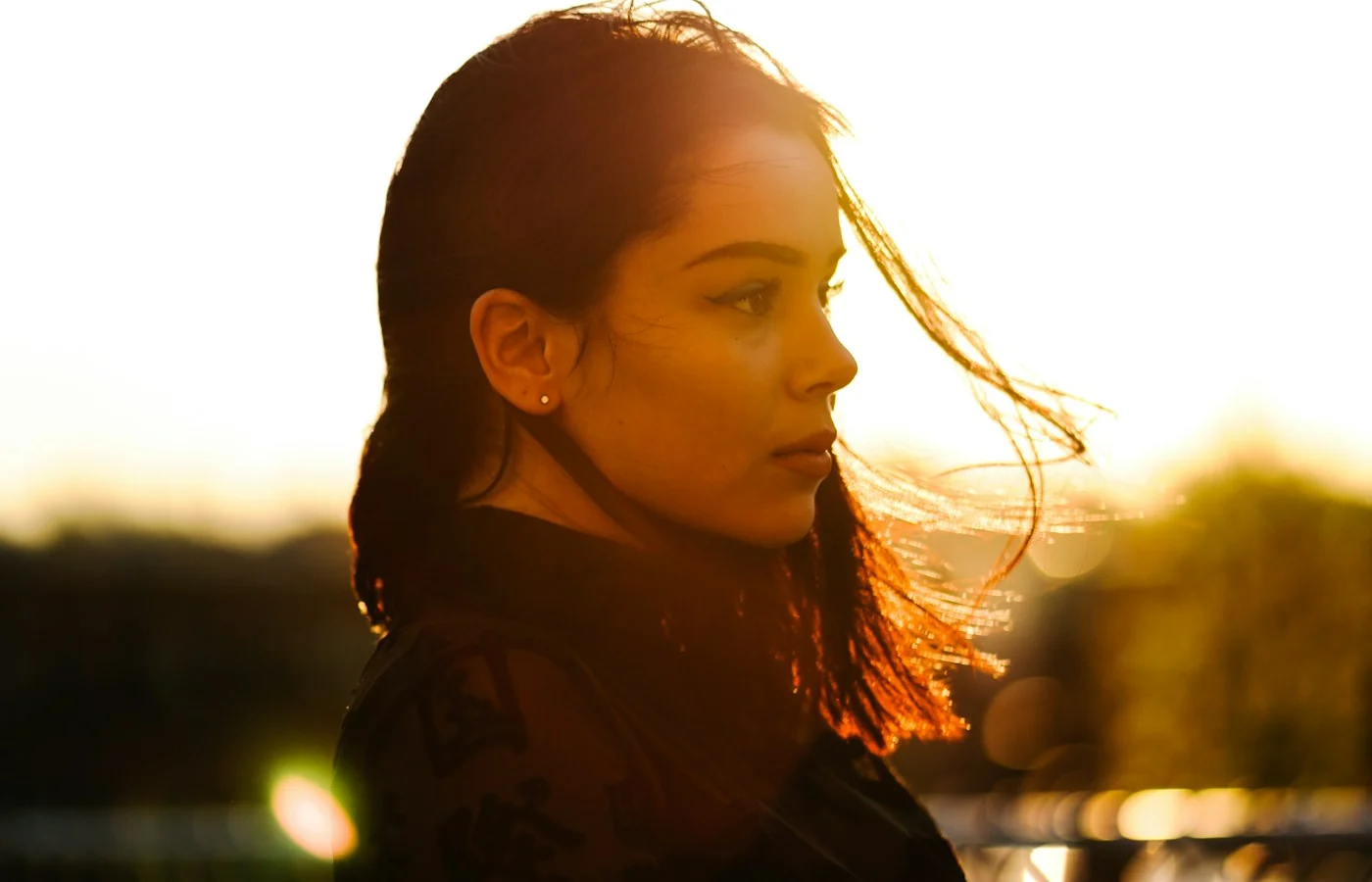
Using my uploaded photo, keep my face and features exactly the same. Golden hour sun behind me, soft backlight, softly blurred park in the background, natural colors. Vertical 4:5, waist up.
Story or Reel cover
Using my uploaded photo, keep my face and features exactly the same. Soft studio light, plain color background, subject in the center with empty space above and below. Vertical 9:16.
Plan a set of posts, not one image
A single good portrait is nice, but an account looks professional when its posts belong together. Before you generate anything, decide on a small set of three to five looks you will rotate through. For example:
| Look | Use it for | Key words |
|---|---|---|
| Clean studio | Announcements, bio updates | plain backdrop, soft key light, 4:5 crop |
| Natural daylight | Everyday and lifestyle posts | window light, blurred home or street background |
| Golden hour | Weekend and travel posts | low warm sun, soft backlight, outdoors |
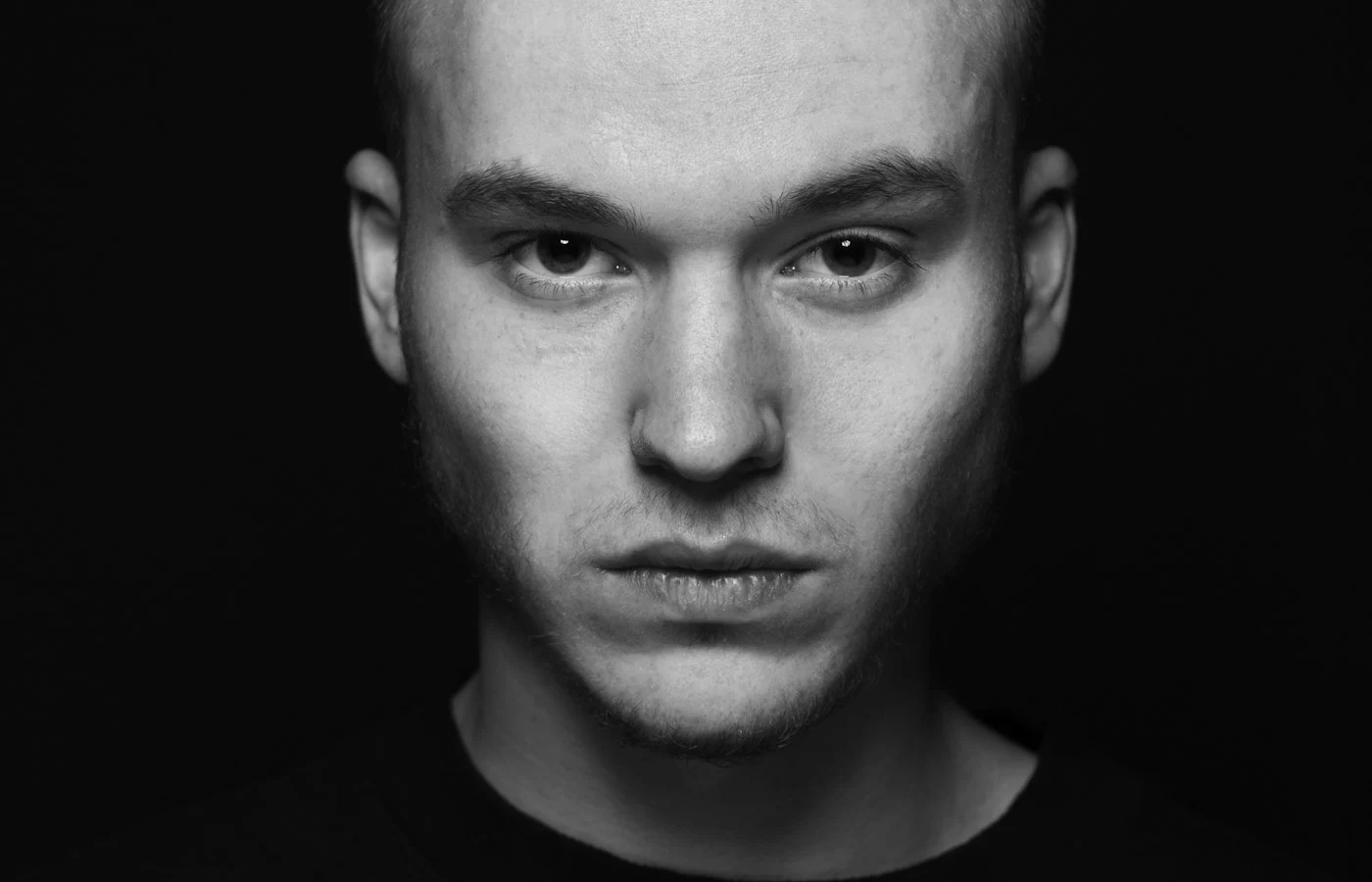
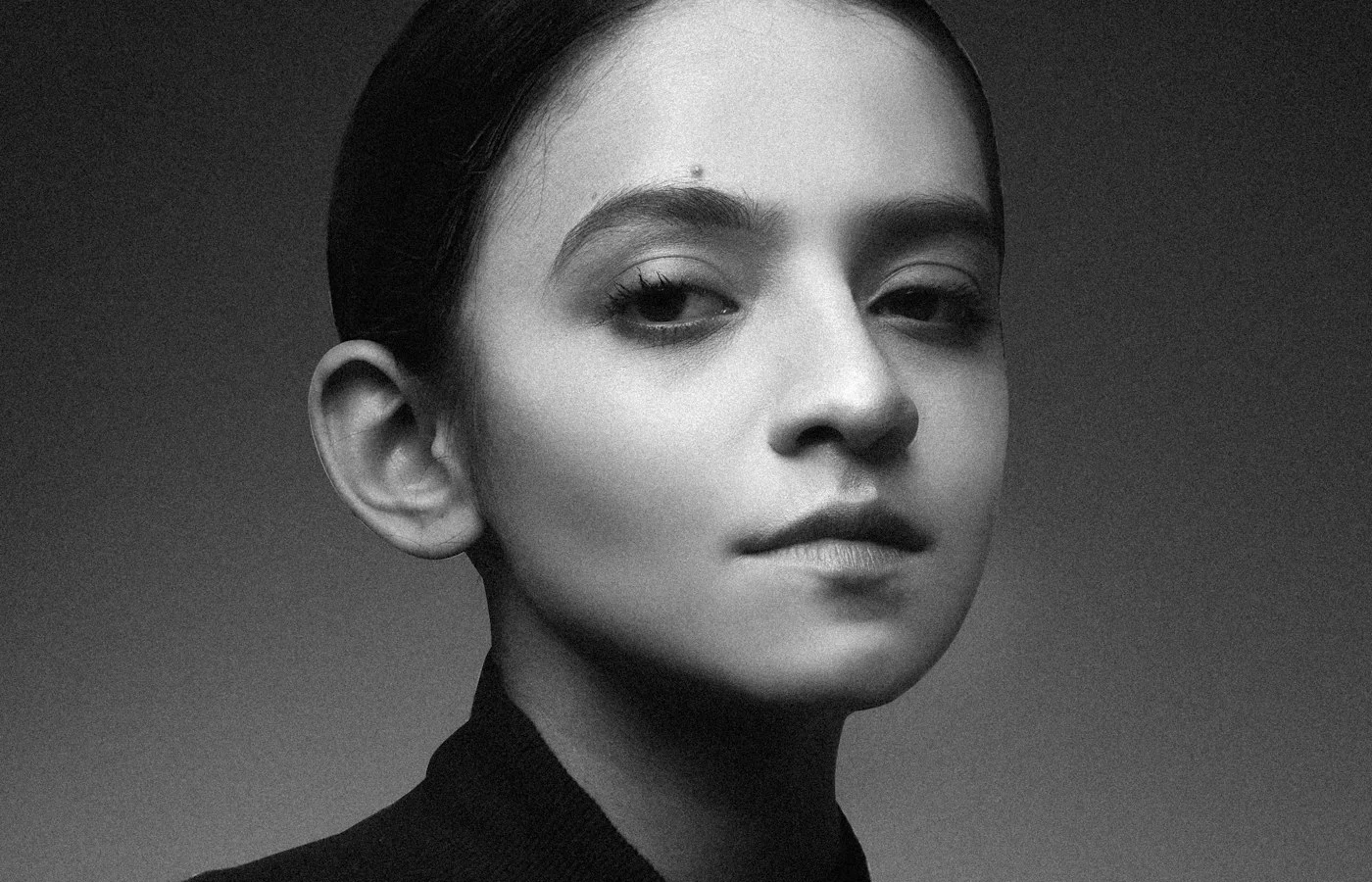
| Black and white | Quiet, personal posts | fine grain, soft contrast, plain background |
Keep the identity line the same in every prompt, and change only the light and setting. That way your face stays consistent while the mood varies.
Think about the grid and the crop
Profile grids show images as a crop of the original, so the middle of the frame matters most. Keep the face and key detail in the central part of the image. Before you commit to a style, put three or four of your recent posts side by side and check whether the new image fits. If the colors or brightness differ a lot, adjust the color grade in the prompt, for example “muted warm tones” or “soft neutral colors”.
Write a short caption honestly
If an image is AI-made or heavily edited, say so in a short line. Something simple works: “Edited with AI tools.” It keeps trust with your audience and follows the direction most platforms are moving in. Check the platform’s current rules for labels before you post.
Check before you post
- View the image at phone size. Does it still read clearly?
- Crop it to a circle if it will be a profile picture.
- Compare it with your last five posts. Does it fit the look?
- Check hands, eyes, and edges for AI errors. See how to fix common AI photo errors.
Be open about edits
Many platforms ask users to label some AI-generated or edited content, and audiences care about honesty. Check Instagram’s current rules and add a note when an image is heavily edited or AI-made.
Common problems and fixes
| Problem | Fix |
|---|---|
| Style differs from post to post | Reuse the same base prompt and change only the setting |
| Subject is cut off in Stories | Ask for space above and below the subject |
| Profile picture looks tiny in the circle | Ask for “face fills most of the frame” |
| Skin looks overly smooth | Add “natural skin texture, no heavy retouching” |
Frequently asked questions
Which ratio gets the most space in the feed?
A tall 4:5 image takes up more of the screen than a square, which is why many portrait posts use it. Check the current display rules, because they can change.
How many portraits should I create at once?
Make three or four versions of each look and keep the best. Output varies on every run.
Should my profile picture match my feed style?
It helps. A profile picture with the same color direction as your posts looks connected to the account. It does not need to be identical, only similar in light and color.
How often should I change my look?
Change the setting, not the whole style. A steady style across several months is easier for people to recognize than frequent changes.
For ratio details, read aspect ratios for AI images. For a profile picture workflow, see how to make an AI profile picture.