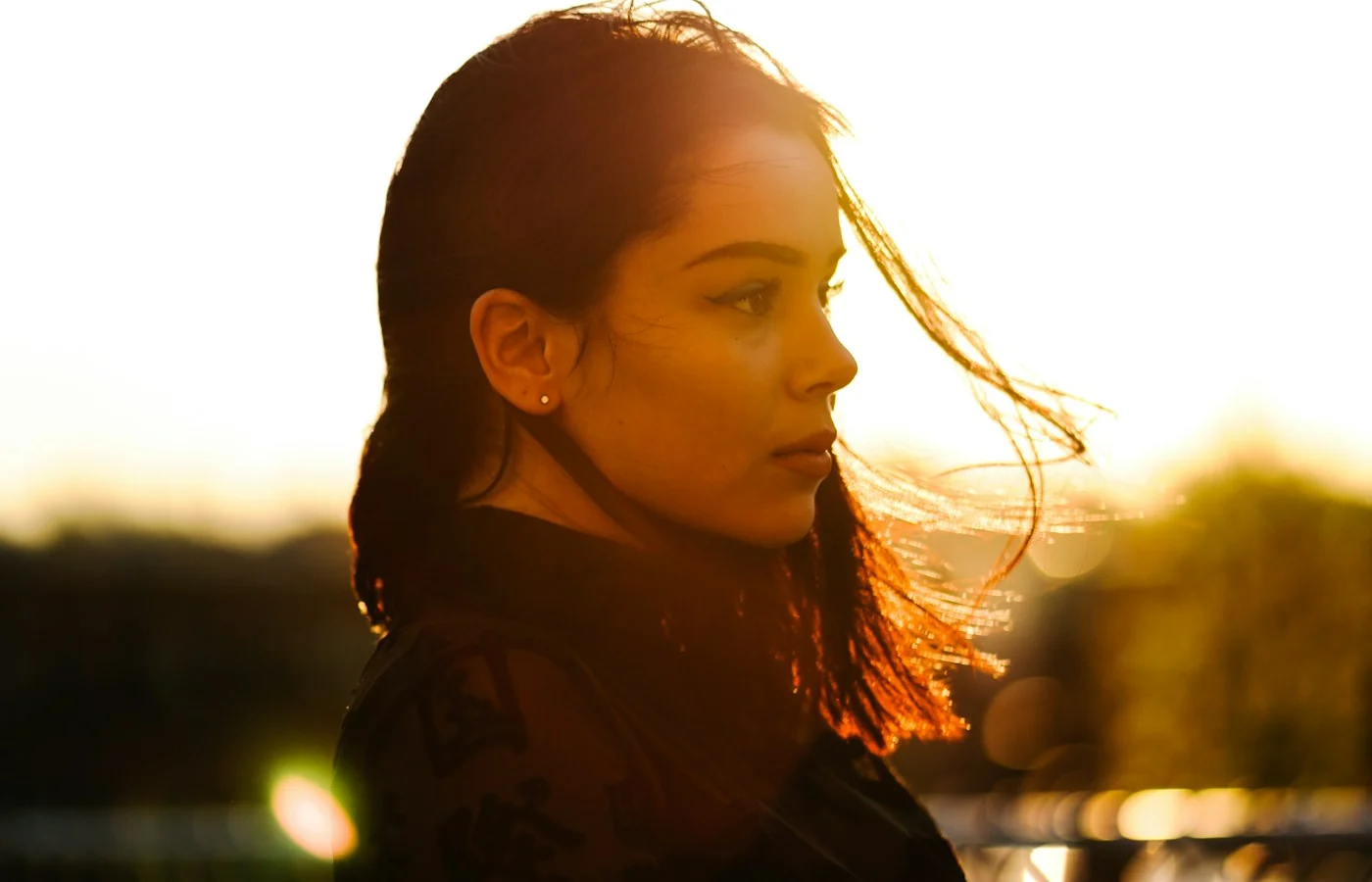
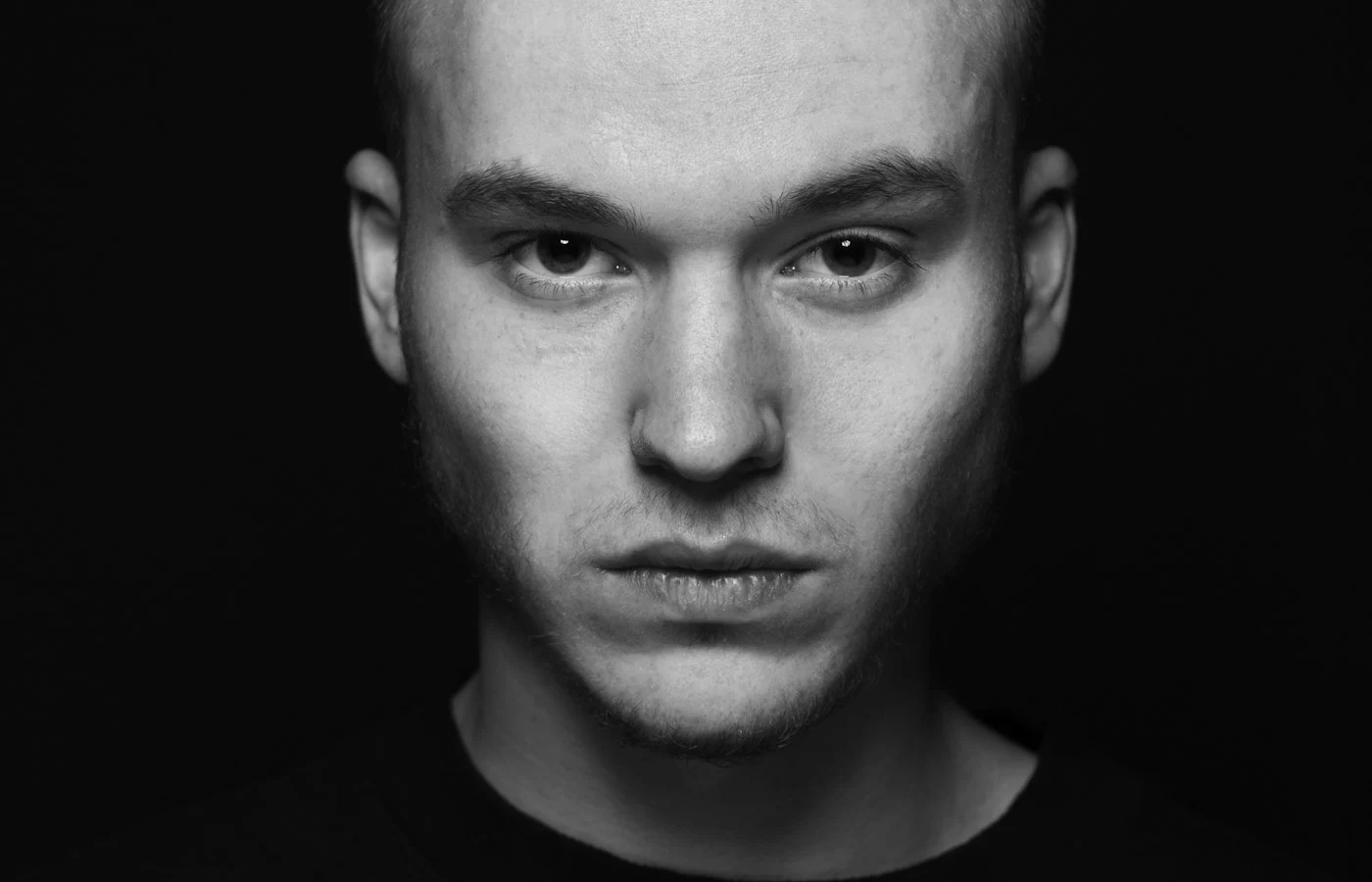
AI image tools produce convincing portraits, but small errors still appear: an extra finger, eyes that do not match, teeth that blur together, or an earring that vanishes. These errors are easy to miss at a glance and obvious once someone points them out. This guide lists the most common ones, explains why they happen, and shows how to fix them before you use the image.
Why these errors happen
An image model draws pictures from patterns it has learned, not from an understanding of anatomy. Hands, teeth, and eyes have many small parts that must match in number, size, and position. The model gets most of them right, and sometimes it does not. Errors are more likely when a detail is small, partly hidden, or overlapping another detail.
The most common errors
| Area | What goes wrong | First fix to try |
|---|---|---|
| Hands | Extra, missing, or merged fingers; odd joints | Crop the hands out, or ask for “natural hands, five fingers each” |
| Eyes | Different sizes, directions, or reflections | Add “both eyes the same size, looking at the camera, natural catchlights” |
| Teeth | Too many, too uniform, or blurred together | Ask for a closed or slight smile |
| Ears and jewelry | Mismatched earrings, missing ears, merged hair | Add “both ears visible with matching earrings”, or hide ears under hair |
| Glasses | Warped frames, one arm missing | Use a front-facing photo and add “glasses with symmetrical frames” |
| Hair and edges | Halo, missing strands, hair that melts into the background | Use a simpler background and a rim light |
| Text and logos | Garbled letters on clothing or signs | Ask for “no text, no logos” |
Fix errors before they appear
- Crop sensibly: a head-and-shoulders crop removes most hands from the picture.
- Keep the pose simple: arms at the side or out of frame are safer than hands near the face.
- Use a sharp source photo: detail in gives detail out.
- Ask for a closed or slight smile: teeth are one of the hardest details to draw.
- Add a short quality line: “natural anatomy, realistic details, no distortions”.
Fix errors after they appear
- Run the same prompt again. Each run is different, and a second or third attempt often removes the error.
- Change one thing. If hands keep failing, crop them out or hide them in a pocket in the prompt.
- Use an area edit if your tool has one. Select the problem area and ask for the single fix.
- Edit by hand if needed. A photo editor can remove a small flaw faster than another round of prompts.
A prompt line that helps
Natural anatomy, both eyes the same size and looking at the camera, closed natural smile, hands out of frame, realistic details, no text or logos.
Fix a hand problem step by step
Hands are the most common error, so it helps to have a routine for them.
- Decide if you need the hands. If not, change the crop to head and shoulders, or place the hands out of frame.
- Simplify the pose. Ask for hands resting at the sides, in pockets, or holding one simple object.
- Name the detail. Add “both hands visible, five fingers on each hand, natural proportions”.
- Run three or four variations. Keep the best one rather than trying to fix a bad one.
- Use an area edit if available. Select the hand and request a single clean fix.
Which poses are safest
| Pose | Risk of hand errors |
|---|---|
| Head and shoulders, no hands | Very low |
| Arms crossed, hands tucked | Low |
| One hand in a pocket | Low |
| Holding a single large object | Medium |
| Hands near the face | High |
| Hands clasped, fingers interlaced | High |
Eyes and teeth need a plan too
- Eyes: ask for a direct gaze at the camera. Looking away adds more room for mismatch.
- Teeth: a closed or slight smile avoids most tooth errors. If you want a full smile, run several variations and pick the cleanest.
- Glasses: a front-facing photo makes frames easier to keep symmetrical.
Fix it or start over?
If the image has one small flaw and you like everything else, fix that one area. If it has several flaws, or the face has also changed, start again from the prompt. A new run is often faster than repairing a weak one.
A quick inspection routine
- Zoom to 100 percent and look at the eyes first, then the mouth.
- Check both ears and any jewelry.
- Count the fingers if hands are visible.
- Follow the outline of the hair against the background.
- Look at clothing for garbled text, odd buttons, or doubled seams.
Frequently asked questions
Are these errors getting less common?
Tools improve over time, but small errors still appear. A short inspection before you post is a good habit.
Can I tell the image is AI-made from these errors?
Sometimes, but not reliably. A clean result does not prove an image is real, and an error does not prove it is AI.
Why are hands harder than faces?
A hand has many small parts in changing positions, and photos of hands vary a great deal. That makes them harder for a model to draw consistently. Simple poses reduce the problem.
Is it worth editing by hand?
For a small flaw, yes. A few minutes in a photo editor can fix a stray finger or a stray earring faster than another round of prompts.
For prompt wording that avoids many of these issues, read common AI photo prompt mistakes and how to fix them and how to write a good AI image prompt.