Lighting changes the mood of a portrait more than the outfit, the pose, or the background. AI image tools understand photography terms, so naming the light you want gives a far more predictable result than words like “nice” or “professional”.
The terms
| Term | What it looks like | Best for |
|---|---|---|
| Soft window light | Gentle shadows, even skin tone, natural feel | Headshots, everyday portraits |
| Key light | The main light, usually from one side | Adding shape to the face |
| Fill light | A weaker light that softens the key light’s shadows | Keeping detail on the shadow side |
| Rim light | A thin bright edge on the hair and shoulders | Separating the subject from a dark background |
| Soft box | Large, diffused studio light with smooth shadows | Beauty and studio portraits |
| Low-key | Mostly dark image with a small area of light | Dramatic and cinematic portraits |
| High-key | Bright image with very few shadows | Clean, fresh, beauty-style portraits |
| Golden hour | Warm, low sun with long soft shadows | Outdoor and couple portraits |
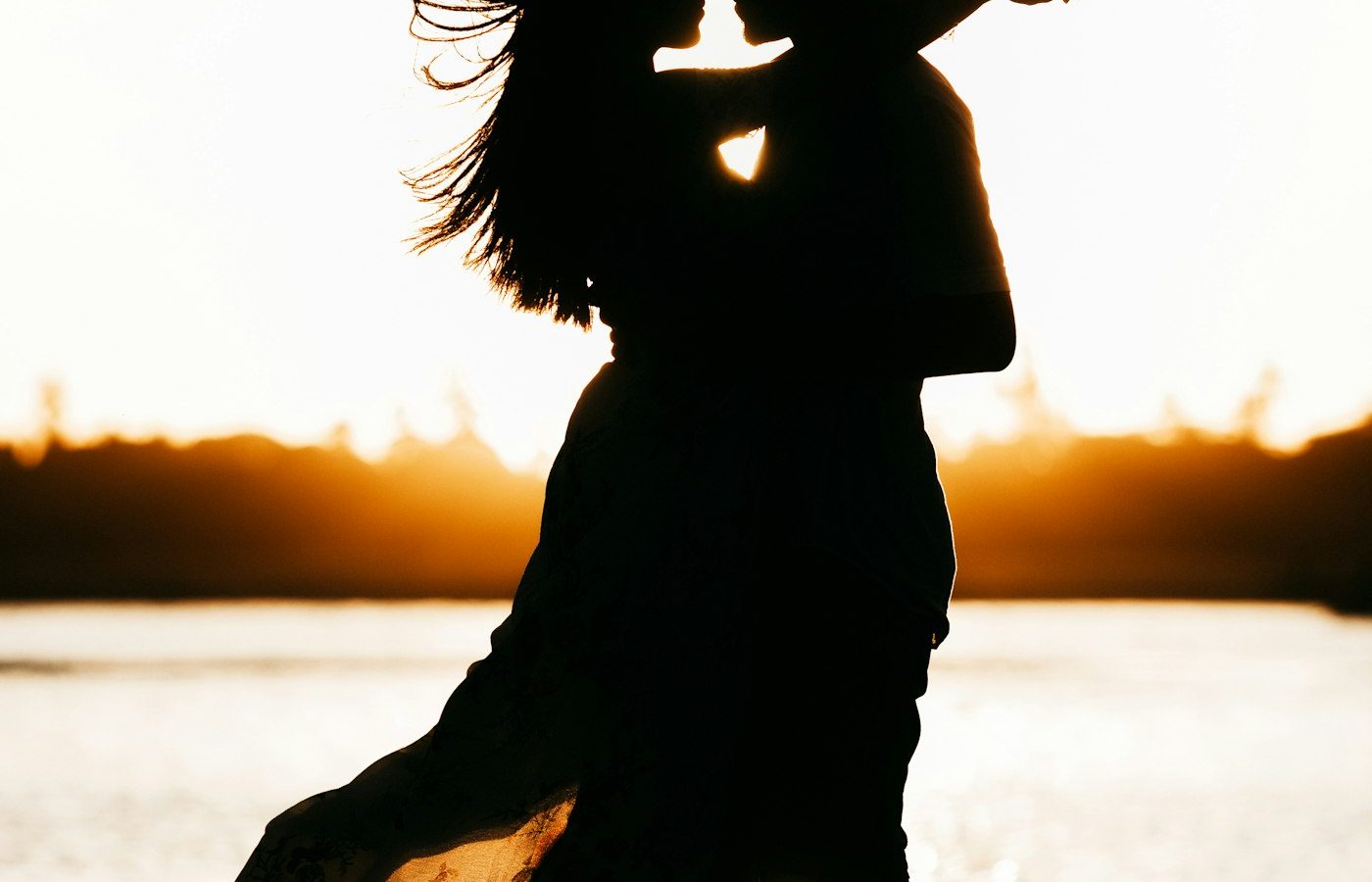
| Backlight | Light from behind the subject, glowing edges | Romantic, airy outdoor images |
How to use them in a prompt
Place the lighting term after the style and before the lens. For example:
Studio portrait, low-key lighting with a soft key light from the front-left and a thin rim light behind the shoulders. 85mm lens at f/2.
Combine terms carefully
Two or three light terms in one prompt work well. Mixing opposites, such as “high-key” and “low-key”, gives the tool conflicting instructions and an unpredictable result.
See it in practice
Every prompt in the prompt library lists its lighting in the details table, so you can compare how each term is used. For a full prompt structure, read the six parts of an AI image prompt.