Trending
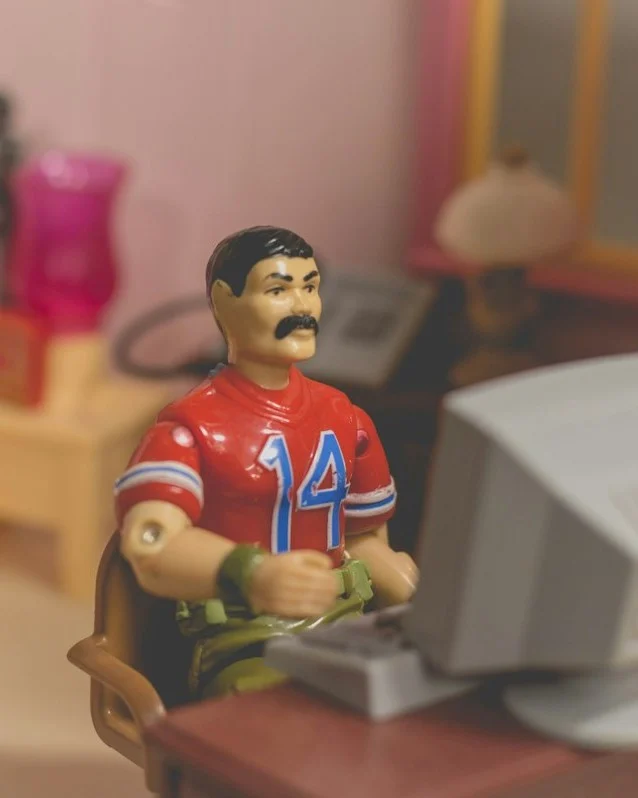
Collectible Figure Desk Scene
A toy-style version of you as a collectible figure, posed at a miniature desk in a model room.
 BeforeAfter
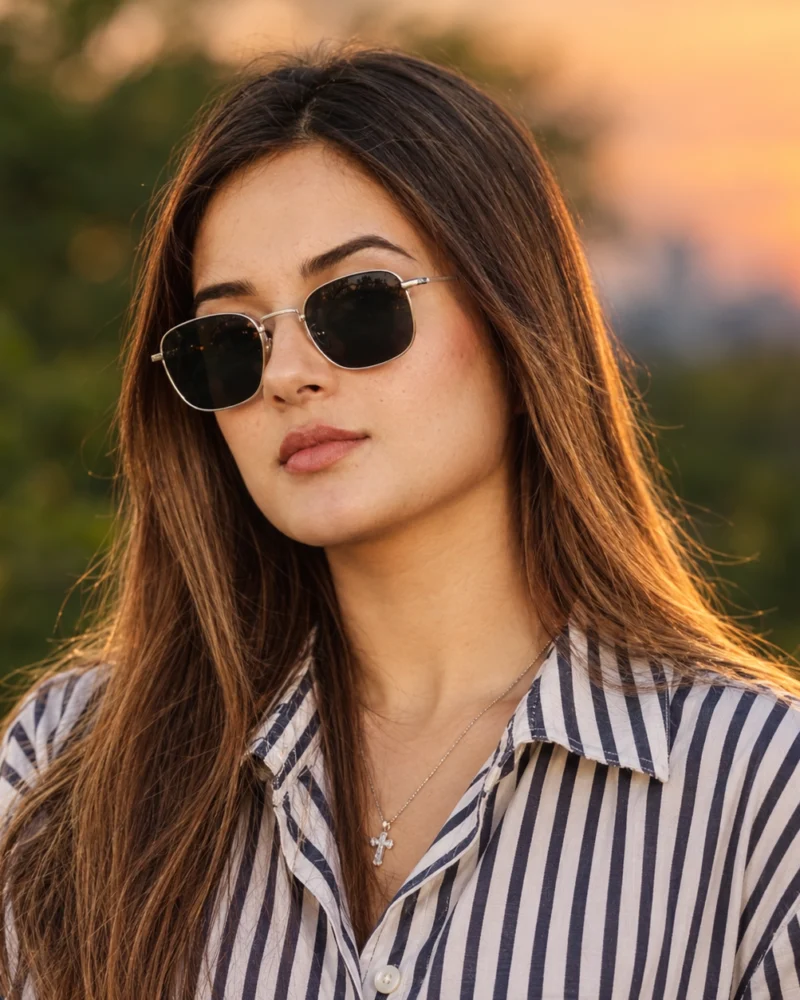
A clean, warm profile portrait in evening light, cropped to read well as a small circle on Instagram.
Using my uploaded photo, create an Instagram profile portrait. Keep my face, hairstyle, and features exactly the same. Warm evening light from the side, softly blurred green and dusk-sky background, natural skin texture, relaxed calm expression. Striped collared shirt. 85mm lens at f/1.8. Head and shoulders, face centered and filling most of the frame, 1:1 square.
| Style | Natural light profile portrait |
|---|---|
| Lighting | Warm evening side light |
| Lens | 85mm at f/1.8 |
| Background | Blurred dusk landscape |
| Aspect ratio | 1:1 square |
| Best for | Instagram and social profile pictures |
| Tool | ChatGPT |
Use this prompt for a profile picture that works at a small size. The warm side light flatters most skin tones, and the blurred background keeps attention on your face.
AI results vary between tools and between attempts, so your image will not match the example exactly.
| Problem | Fix |
|---|---|
| Face too small in the circle | Add “face fills most of the frame”. |
| Skin looks too smooth | Ask for “natural skin texture, no heavy retouching”. |
| Background is distracting | Ask for a plain or heavily blurred background. |
| Looks different from your other posts | Reuse the same base prompt and change only the setting. |
Related guides: how to make AI portraits for Instagram and how to make an AI profile picture.
A toy-style version of you as a collectible figure, posed at a miniature desk in a model room.
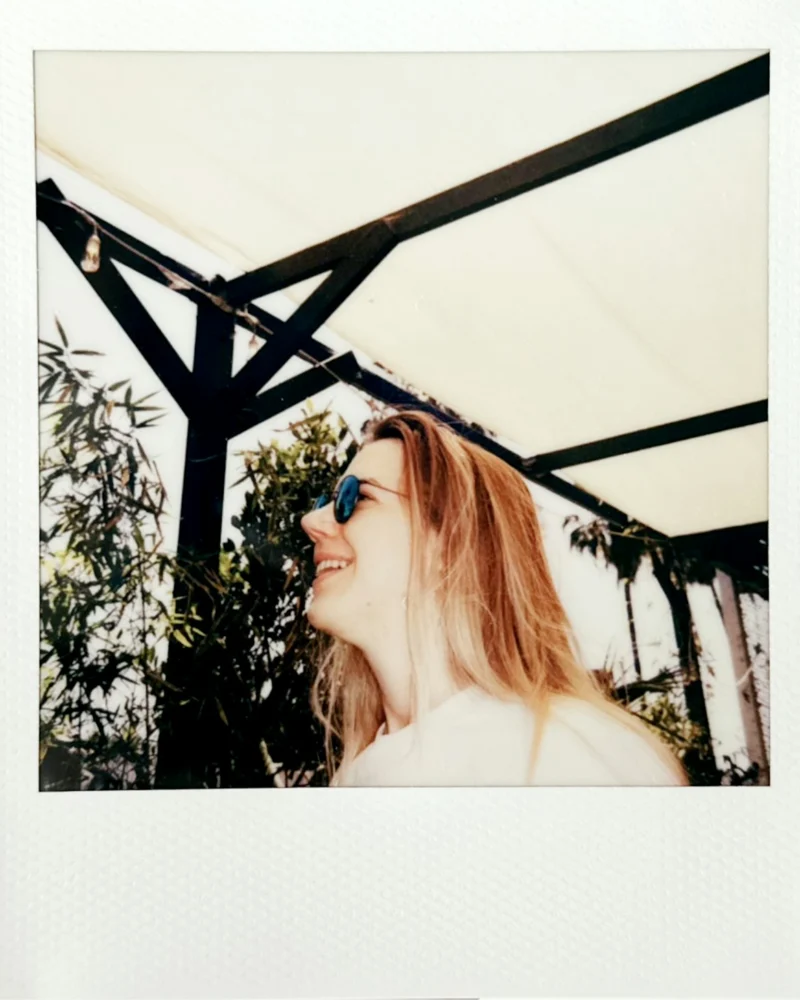
A warm instant-film portrait with a white frame, soft color, and a candid summer feel.
A night portrait with the hard flash and slightly rough color of a 2000s compact camera.
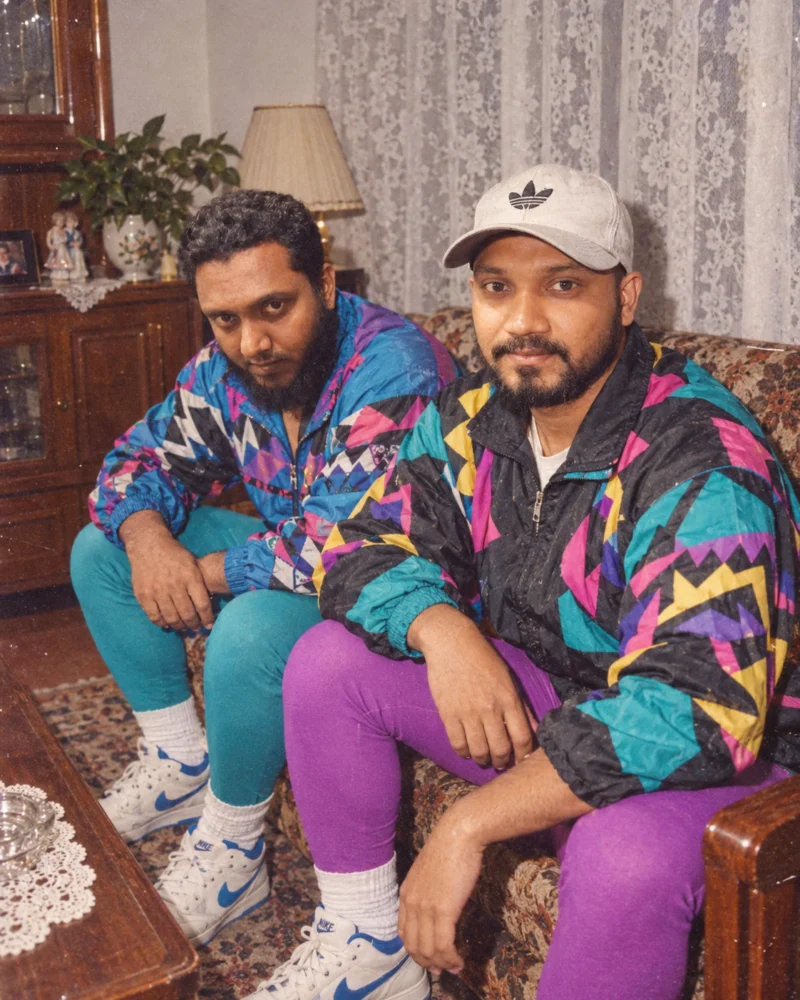
A retro portrait with bold 1980s patterns, a direct flash look, and faded film color.