Trending
Instagram Natural Light Profile Portrait
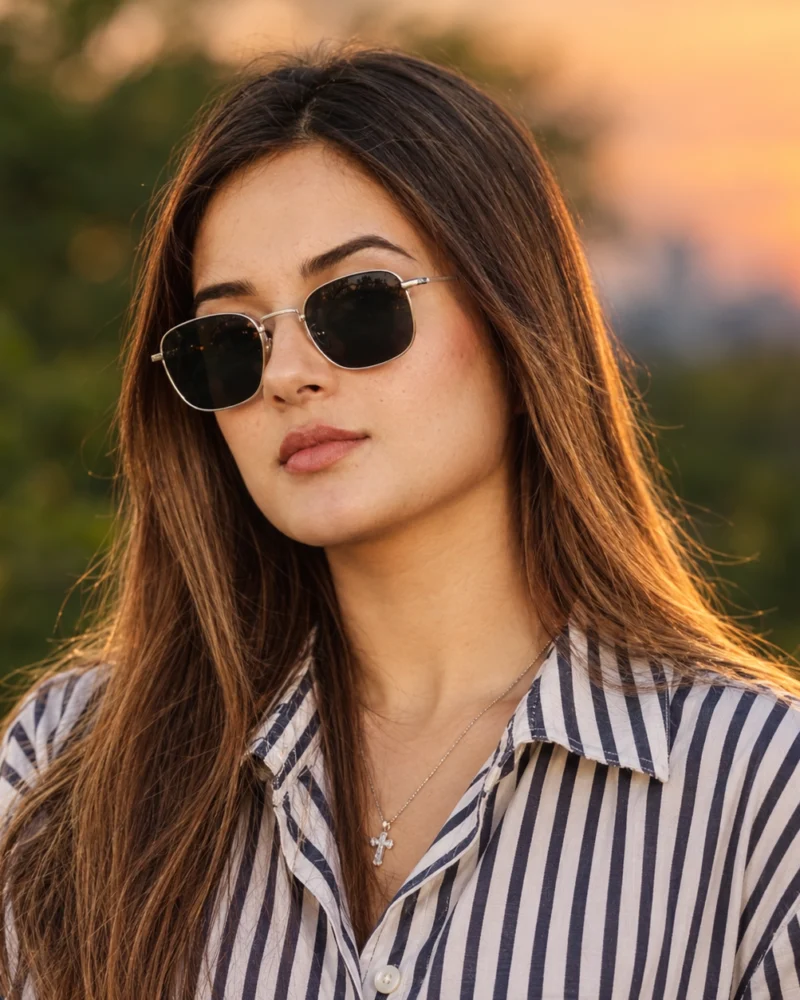
A clean, warm profile portrait in evening light, cropped to read well as a small circle on Instagram.
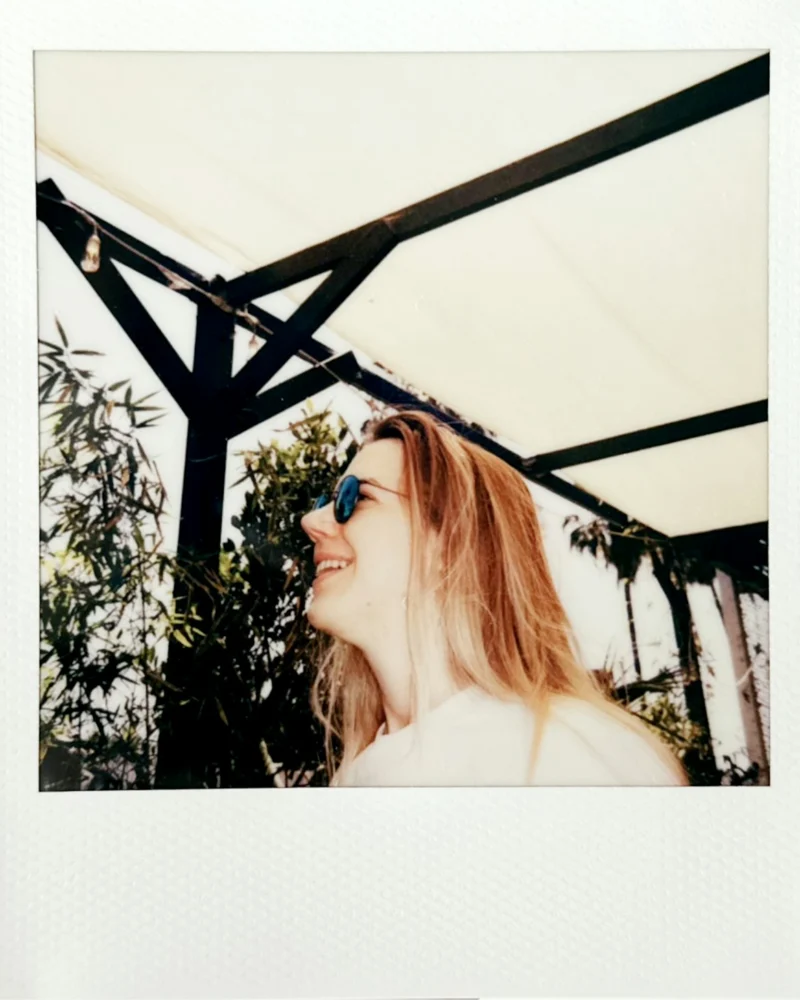
A warm instant-film portrait with a white frame, soft color, and a candid summer feel.
Turn my uploaded photo into a Polaroid-style instant photo. Keep my face and features exactly the same. Candid side-profile smile, outdoors in bright summer light under a canopy with green leaves. Warm, slightly faded colors, soft contrast, a little overexposure. Visible white instant-film frame with a thicker bottom edge and light paper texture. Vertical 4:5.
| Style | Instant film portrait |
|---|---|
| Lighting | Bright summer daylight |
| Color | Warm, faded, soft contrast |
| Frame | White border, thicker bottom edge |
| Aspect ratio | 4:5 vertical |
| Best for | Memories, social posts, profile pictures |
| Tool | Gemini |
Pick this prompt for personal, memory-style images. The white frame and the soft color make an everyday photo feel like a keepsake, and the format works well for stories and collages.
AI results vary between tools and between attempts, so your image will not match the example exactly.
| Problem | Fix |
|---|---|
| Frame looks flat | Add “paper texture and slight shadow on the edges”. |
| Colors too strong | Ask for “faded, low saturation, warm highlights”. |
| Handwriting is garbled | Leave text out and add it in an editor. |
| Face looks changed | Repeat the identity line and avoid heavy filters on the source photo. |
Related guides: how to restore an old photo with AI and aspect ratios for AI images.
A clean, warm profile portrait in evening light, cropped to read well as a small circle on Instagram.
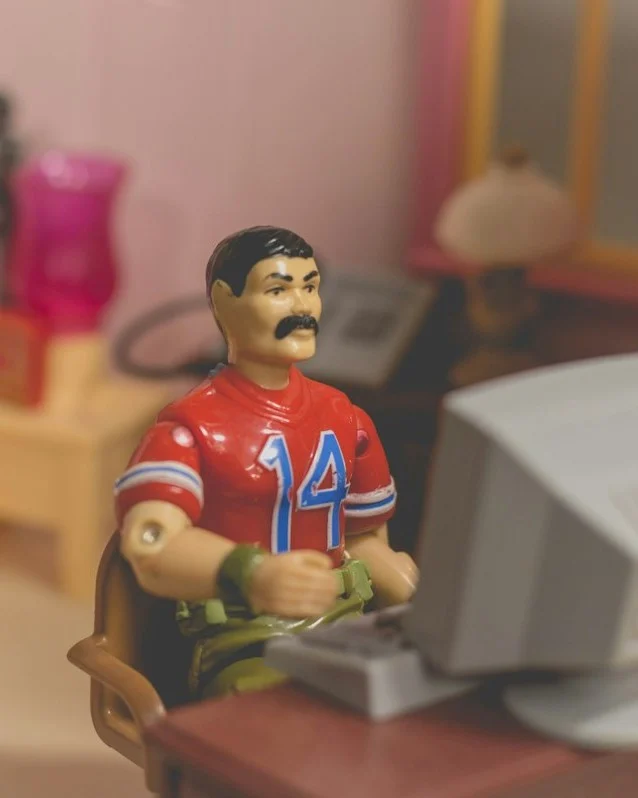
A toy-style version of you as a collectible figure, posed at a miniature desk in a model room.
A night portrait with the hard flash and slightly rough color of a 2000s compact camera.
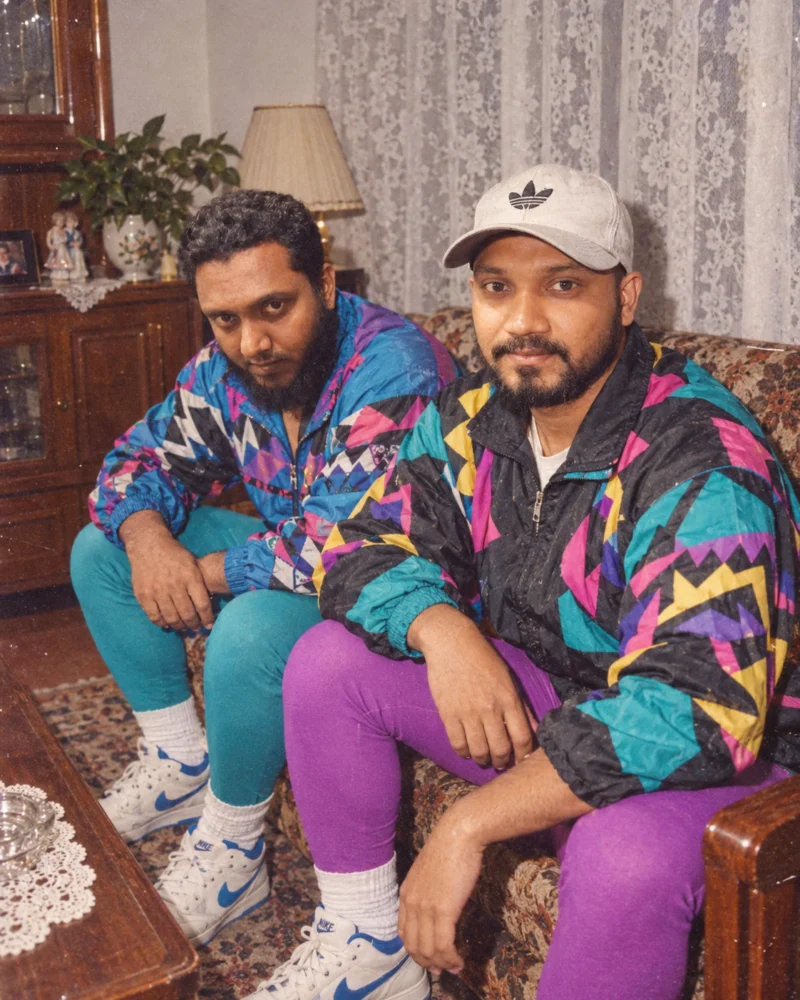
A retro portrait with bold 1980s patterns, a direct flash look, and faded film color.