Trending
Instagram Natural Light Profile Portrait
A clean, warm profile portrait in evening light, cropped to read well as a small circle on Instagram.
 BeforeAfter
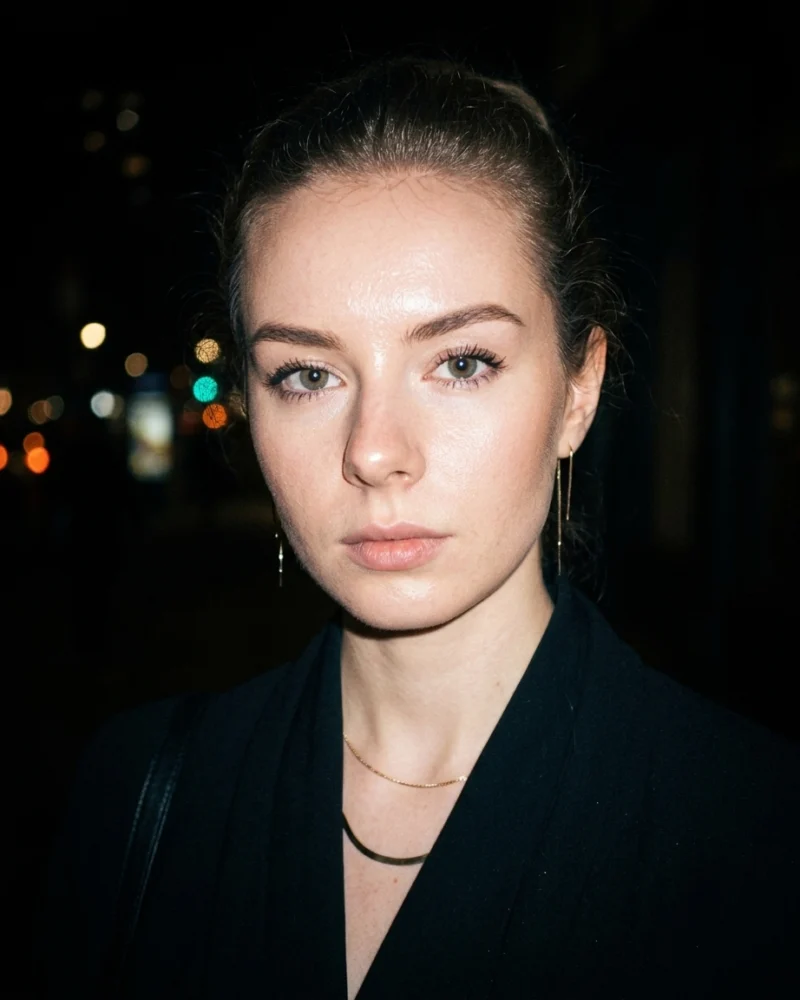
A night portrait with the hard flash and slightly rough color of a 2000s compact camera.
Using my uploaded photo, create a night portrait in the style of a 2000s compact digital camera. Keep my face and features exactly the same. Hard direct flash, slightly overexposed skin, dark background with a few blurred city lights. Dark outfit, slim jewelry, hair pulled back. Slight digital noise, mild vignette, natural skin texture. Vertical 4:5 crop, head and shoulders.
| Style | Y2K compact camera flash |
|---|---|
| Lighting | Hard on-camera flash at night |
| Background | Dark street with blurred lights |
| Color | Slightly harsh, mild vignette |
| Aspect ratio | 4:5 vertical |
| Best for | Social posts, profile pictures |
| Tool | Gemini |
Use this prompt when you want an imperfect, candid look that feels like a photo from a night out. The hard flash and the dark background make it stand out in a feed of soft, polished portraits.
AI results vary between tools and between attempts, so your image will not match the example exactly.
| Problem | Fix |
|---|---|
| Skin looks plastic | Add “natural skin texture, visible pores, no beauty filter”. |
| Image is too dark | Ask for “flash lights the face evenly, background still dark”. |
| Looks too clean | Add “slight digital noise and mild compression”. |
| Face changed | Repeat the identity line and use a sharper source photo. |
Related guides: AI portrait lighting terms and how to keep your face the same in AI photo edits.
A clean, warm profile portrait in evening light, cropped to read well as a small circle on Instagram.
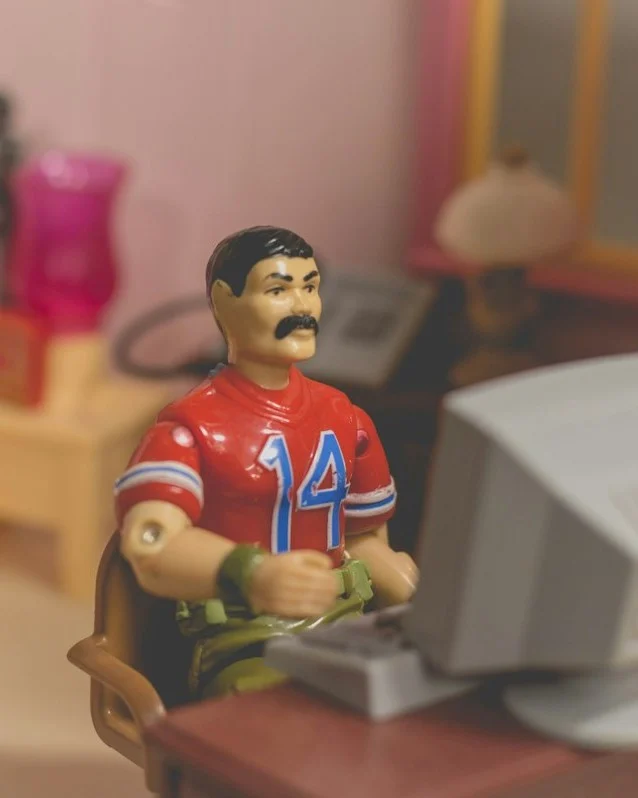
A toy-style version of you as a collectible figure, posed at a miniature desk in a model room.
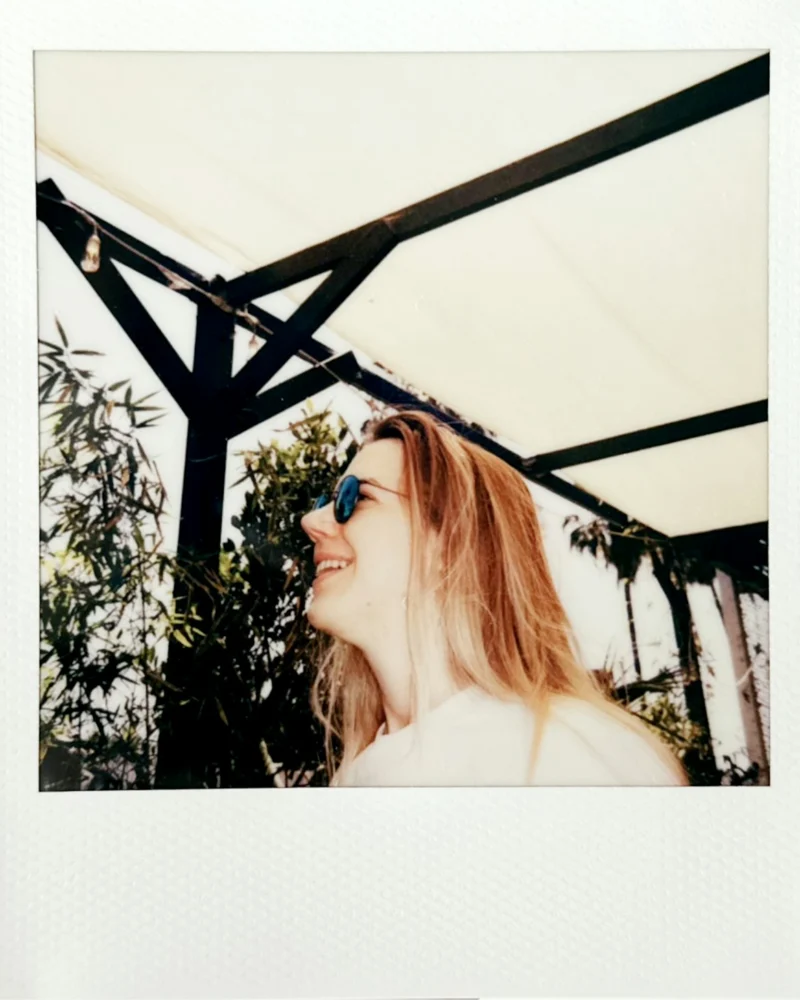
A warm instant-film portrait with a white frame, soft color, and a candid summer feel.
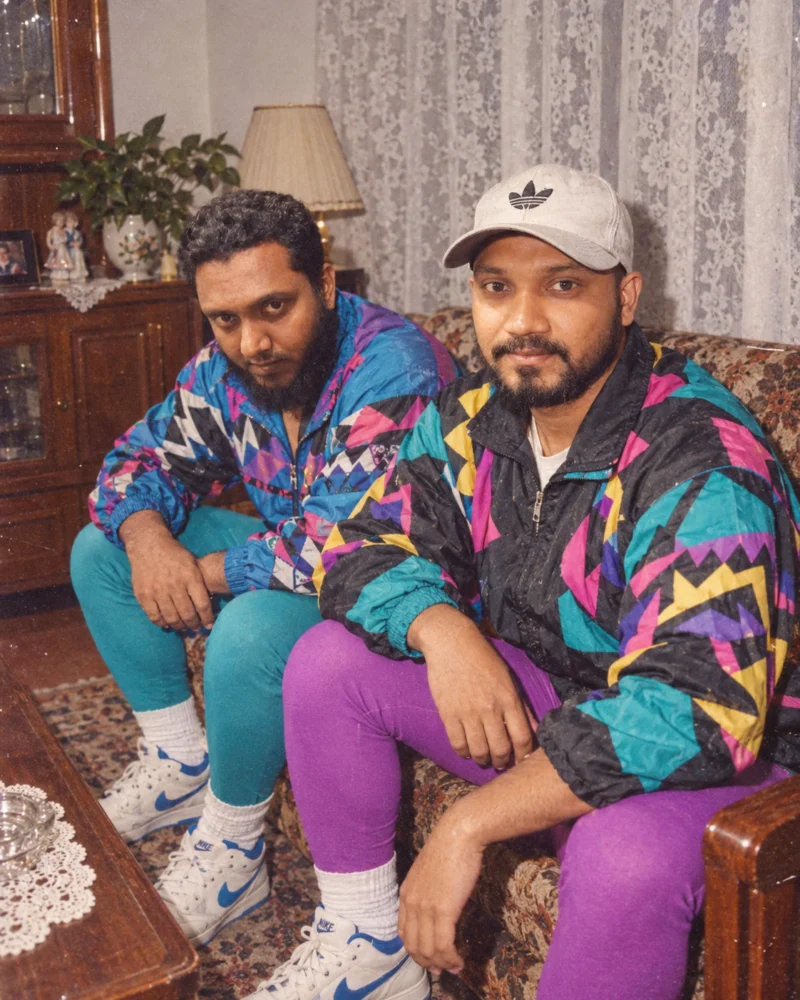
A retro portrait with bold 1980s patterns, a direct flash look, and faded film color.